
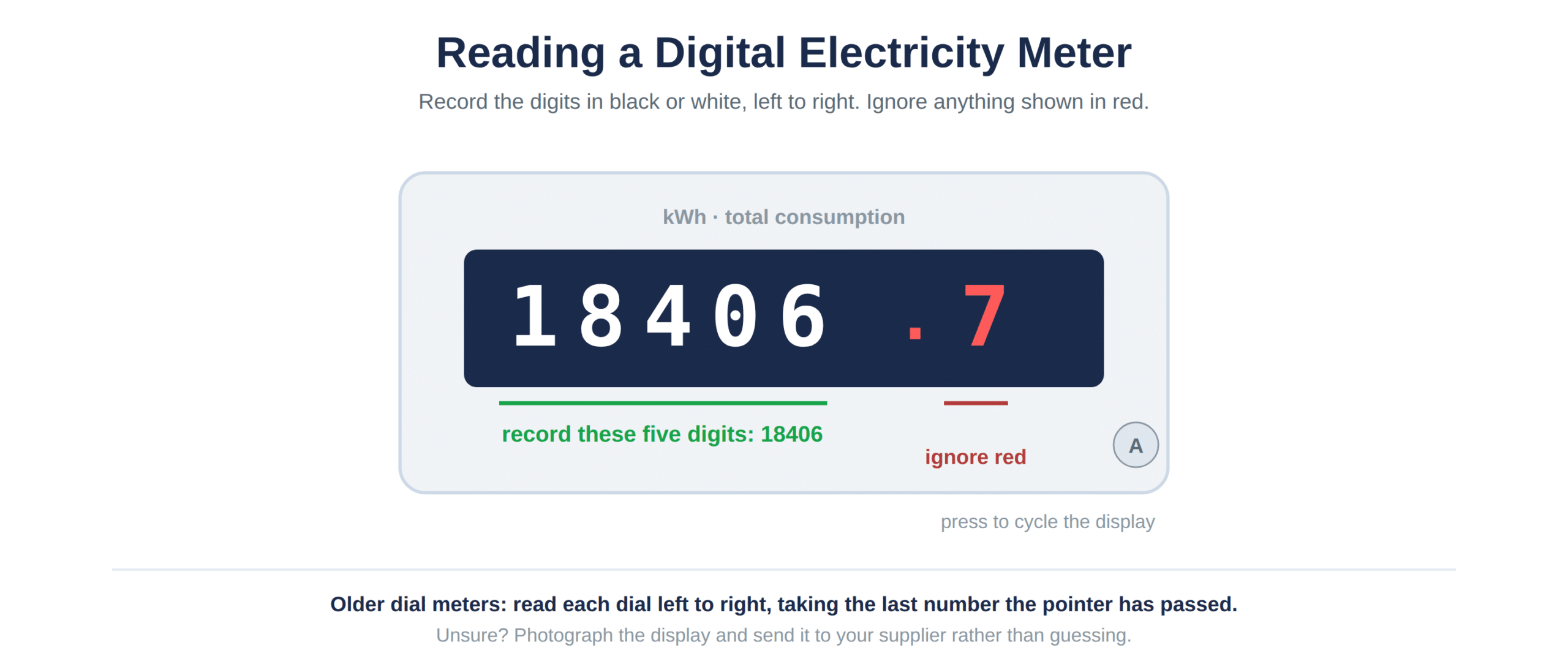
Note down the digits shown in black or white boxes on the display, left to right, ignoring any digits shown in red. On a digital meter that means pressing a button to cycle through the display until you see the reading labelled kWh.
It sounds simple until you are stood in front of a meter cupboard with a torch, staring at a screen cycling through numbers you do not recognise.
Business premises often have older or more complex meters than a typical household, particularly on larger sites with multiple circuits or half-hourly settlement.
Getting the reading right matters more than it sounds, since an inaccurate figure can throw off your billing for months until the next correction.
What types of business electricity meters are in use?
Most businesses have either a standard digital meter, an older electromechanical dial meter, or a smart or half-hourly meter that sends readings automatically. Which one you have affects how you take a reading, or whether you need to at all.
Which meter do you have?
| Meter type | How readings display | Who typically has it |
|---|---|---|
| Digital display | Numeric LCD, sometimes cycling | Most small and medium businesses |
| Electromechanical dial | A row of clock-style dials | Older premises, being phased out |
| Smart meter | Digital display plus remote transmission | A growing share of small businesses |
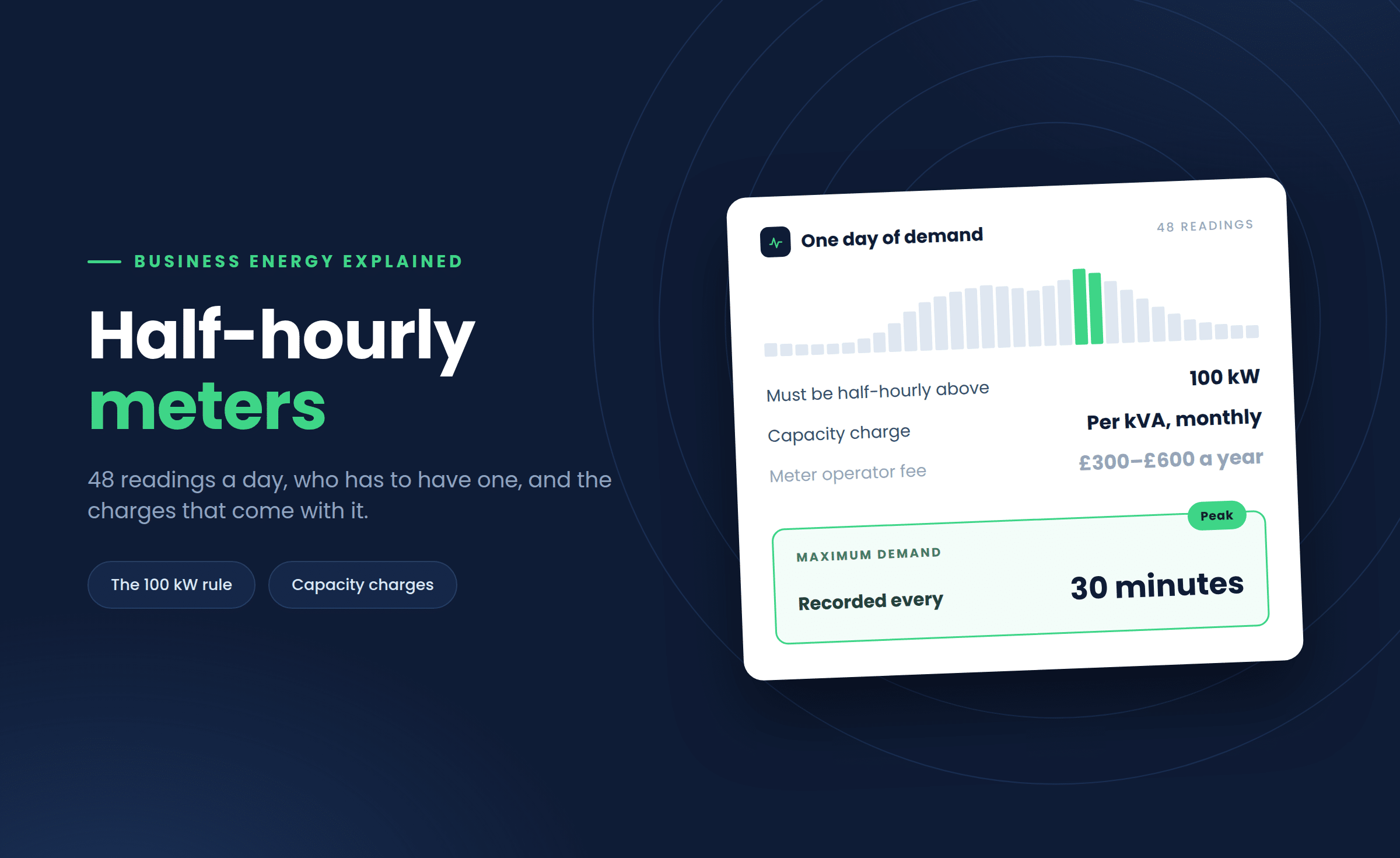
| Half-hourly (AMR) | Automatic remote reading every 30 mins | Larger, higher-consumption sites |
Larger, higher-usage businesses increasingly run half-hourly settlement, where consumption is recorded automatically and sent straight to the supplier. Smaller sites more often still need a manual reading, tied to the MPAN on the bill.
How do you read a digital display meter?
Read the digits shown in black or white from left to right, ignoring any red digits, which usually represent decimal fractions of a unit rather than whole kWh. Some meters need a button press to bring up the reading you need.
Step by step
A display can cycle through total consumption, rate one, rate two and sometimes a demand reading. You want the one marked kWh for a standard submission.
- Wake the screen: press the button if it is blank or cycling.
- Find the kWh screen: marked kWh or total consumption.
- Note every digit: in black or white, left to right, including leading zeros.
- Submit it: via your supplier’s portal, app or phone line.
How do you read an older dial meter?
Read each dial from left to right, noting the last number the pointer has passed, even if it is sitting between two digits. If a pointer sits directly on a number, check the dial to its right; if that has just passed zero, use the lower number.
Why dials catch people out
This style catches people out because the dials alternate direction, one clockwise, the next anticlockwise. It is easy to misread a pointer moving the opposite way to what you expect.
If you are at all unsure, take a photo of the full row of dials and send it to your supplier rather than guessing at a figure.
How often should you submit business meter readings?
Submit a reading at least once a month if your meter does not send data automatically, ideally around the same date each time. Most suppliers accept readings more often if you want tighter control over billing accuracy.
Who benefits most from frequent readings
Regular readings replace estimated consumption based on your Annual Quantity or Estimated Annual Consumption figures, which can drift quite badly from what you are actually using.
- Submit monthly: if your meter is not automatic.
- Note the date: keep a record alongside each reading.
- Photograph it: as a backup in case of a dispute.
What happens if you don’t submit regular readings?
Your supplier estimates your usage instead, based on past consumption or your AQ, which can leave you significantly over or under-billed. That gap gets corrected eventually, sometimes with an unwelcome catch-up charge.
Signs your bills are running on estimates
A prolonged run of estimated bills is one of the most common causes of a large, unexpected true-up invoice months later, so it is worth reading a business energy bill carefully if the figures do not match your own readings.
- An ’E’ or ’estimated’: next to your usage figure.
- A sudden adjustment: a large correction on an otherwise routine bill.
- Static usage: figures that do not move even though your activity has.
Catching this early is far easier than untangling months of estimates after the fact. Our guide to how to read a business energy bill flags where estimated versus actual readings appear.